Inbox

The Inbox is where you check your agents' work before it reaches anyone. By default, messages they write wait here for your OK, and replies land here so you can answer.
Where
Inbox in the sidebar
You'll need
An agent that writes to people
Result
You approve what goes out
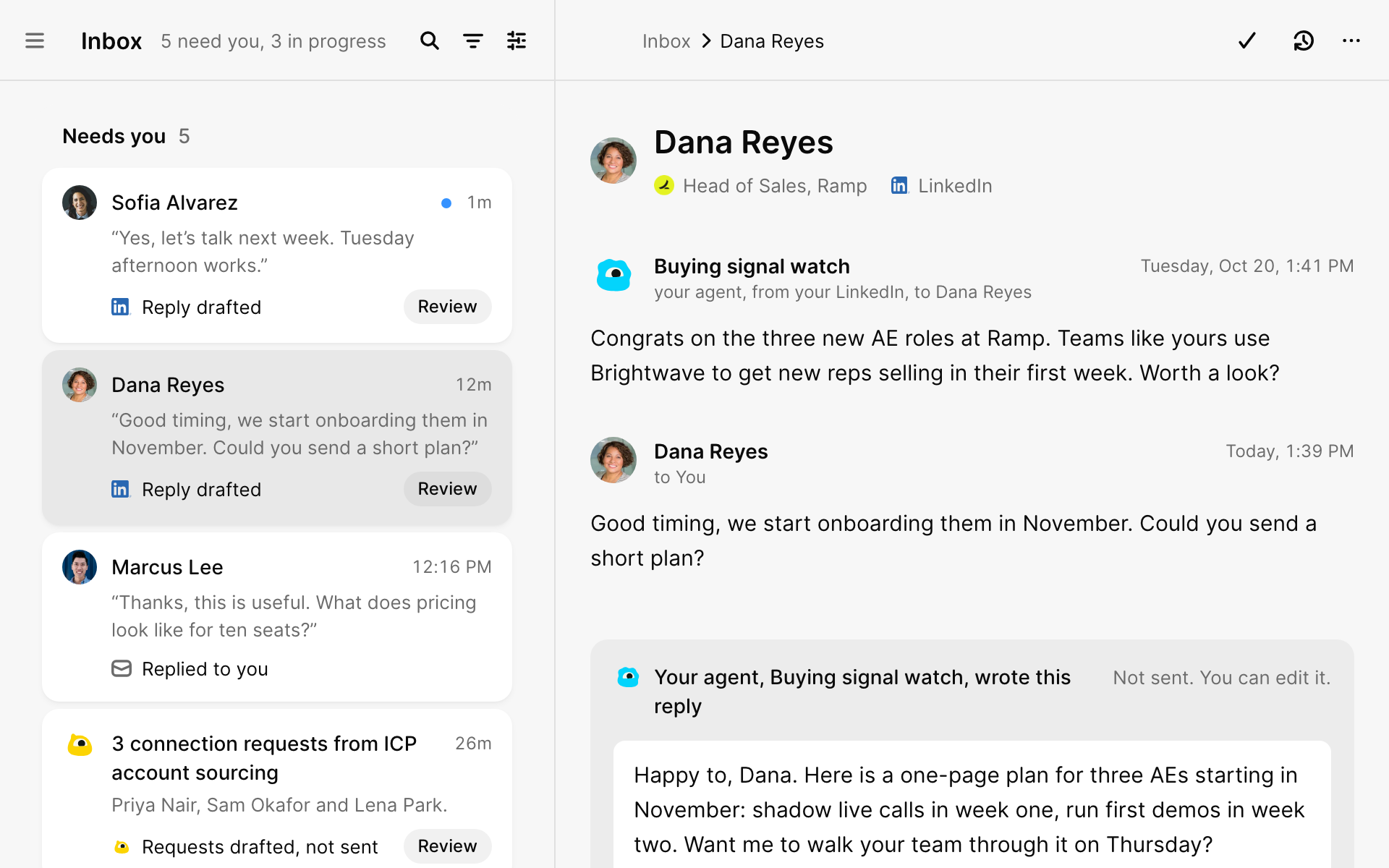
How it's organized
| Lane | What's in it |
|---|---|
| Needs you | Replies, messages waiting for your OK and questions from agents |
| In progress | Agents still working, messages scheduled to send, conversations waiting for a reply |
| Done | Conversations you've finished or snoozed |
Approve a message
1 Select Review on a card
The message opens next to the conversation, so you can see what came before.
2 Read it and edit if you want
Select Edit message to change the words, or Change sender to send it from another account.
3 Select Send
You have 10 seconds to Undo an email. LinkedIn messages go out during working hours, a few minutes apart.
Approve many at once
When an agent writes to several new people in one run, the messages arrive together. Read each one, then select Approve all (it shows the count, like Approve all 3). Select Don't send on any you want to skip.
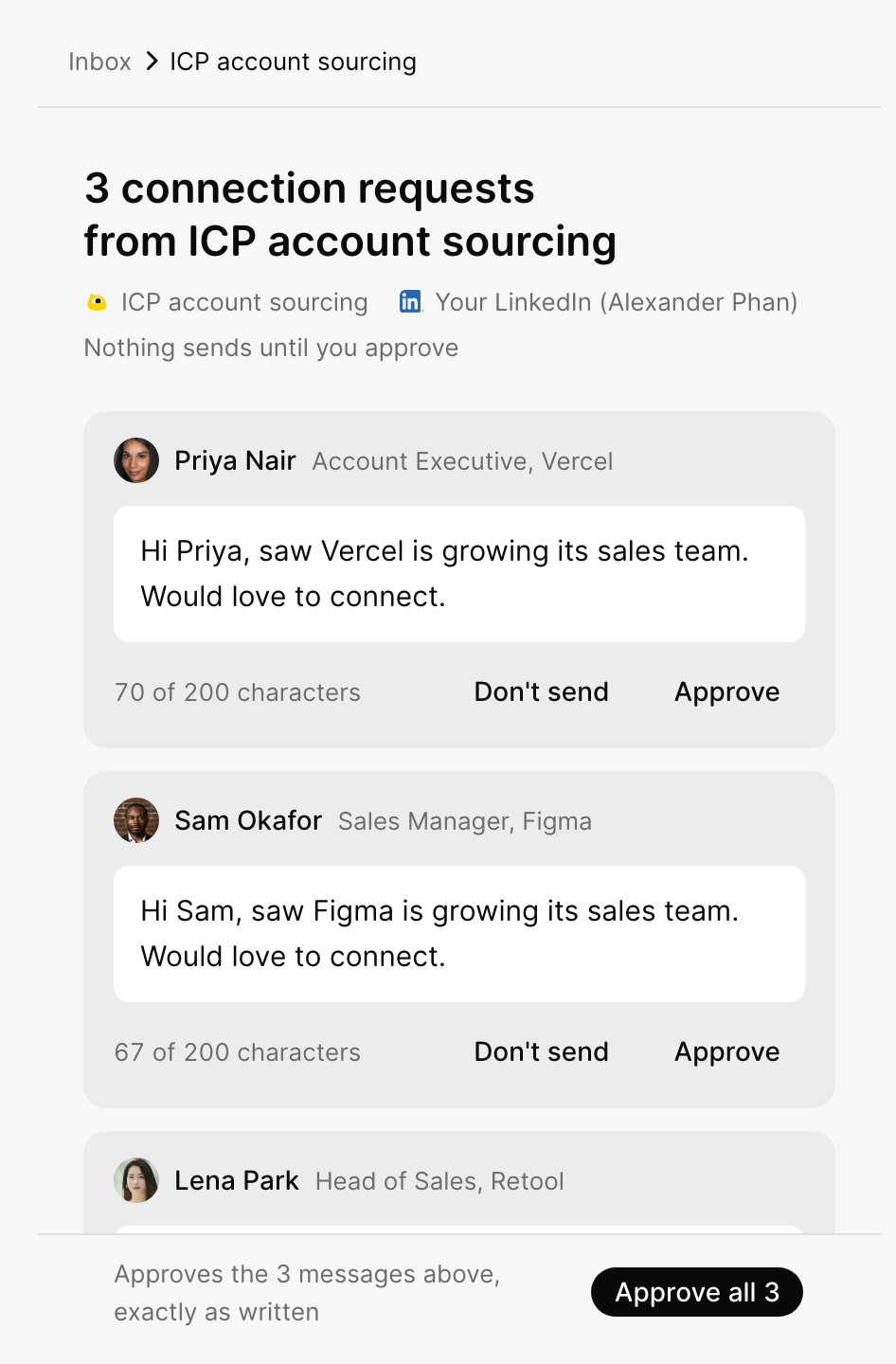
Skip a message
Select Don't send, then tell GTM why: Wrong company, Wrong person, Not now or The message is off.
| Choice | What happens |
|---|---|
| Skip [name] only | Skips this one person |
| Skip and remember | The agent learns from your reason and avoids drafts like this next time |
Answer a reply
Type your answer in the reply box under the conversation. Or let the agent write it: select Ask [agent name] to draft a reply, and check its draft when it appears.
Find things fast
| Tab | Shows |
|---|---|
 All All |
Every conversation |
 Email Email |
Email only |
 LinkedIn LinkedIn |
LinkedIn only |
 Team Team |
Conversations from teammates' agents you can see. You can read, not reply. |
| Key | Does |
|---|---|
| E | Mark done |
| H | Snooze |
| J / K | Next / previous |
What did you think of this content?