GTM docs
GTM is an AI teammate for sales. It finds companies that could buy from you, finds the right people there and writes to them. By default, nothing goes out until you approve it.
How it works
1 GTM learns what you sell
When you sign up, GTM researches your company and writes a Company Brief: what you sell, who buys it and why. Everything else builds on it.
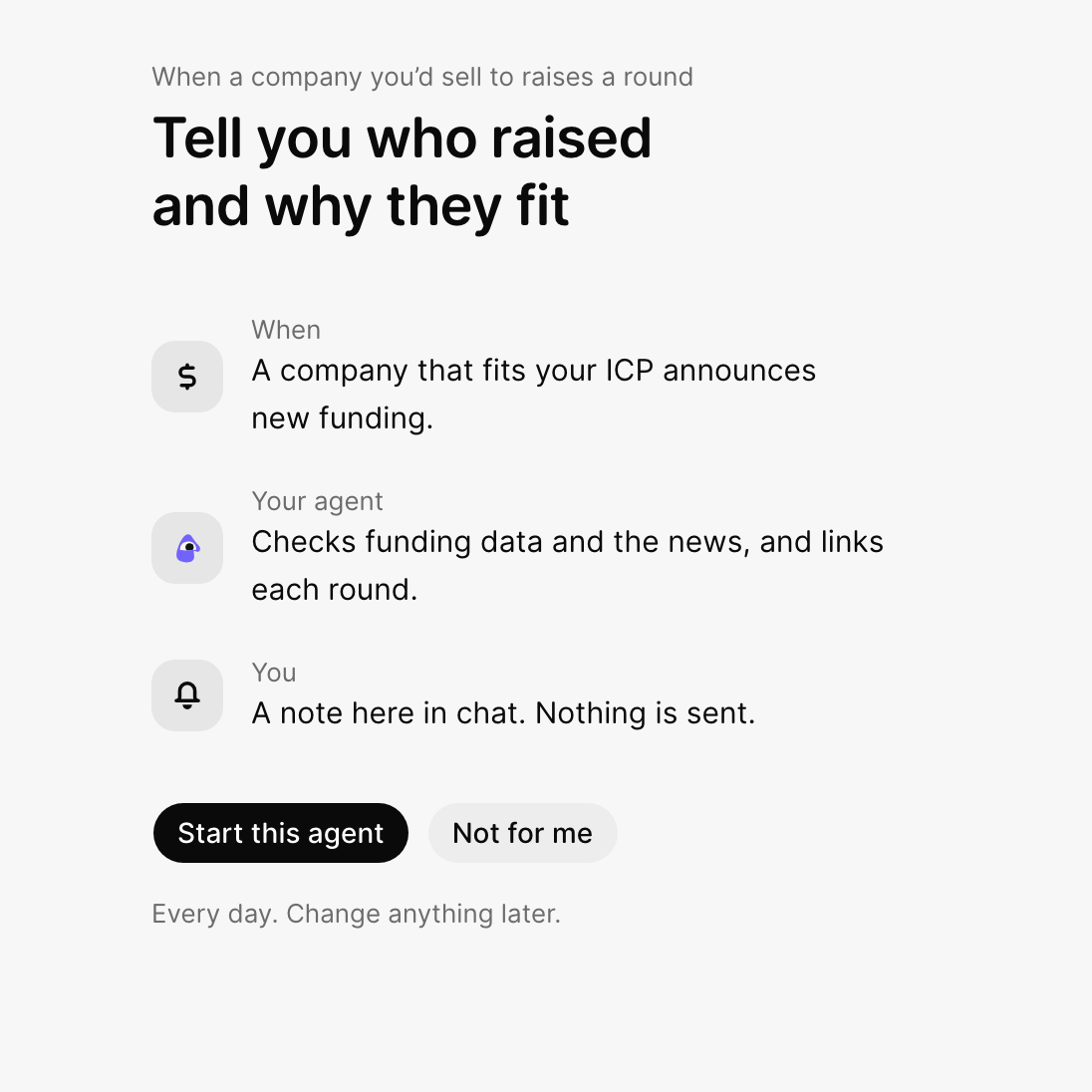
2 You start an agent
An agent is a helper with one job, like "tell me when a company I'd sell to raises money." Pick one from the ideas, or describe your own. Agents
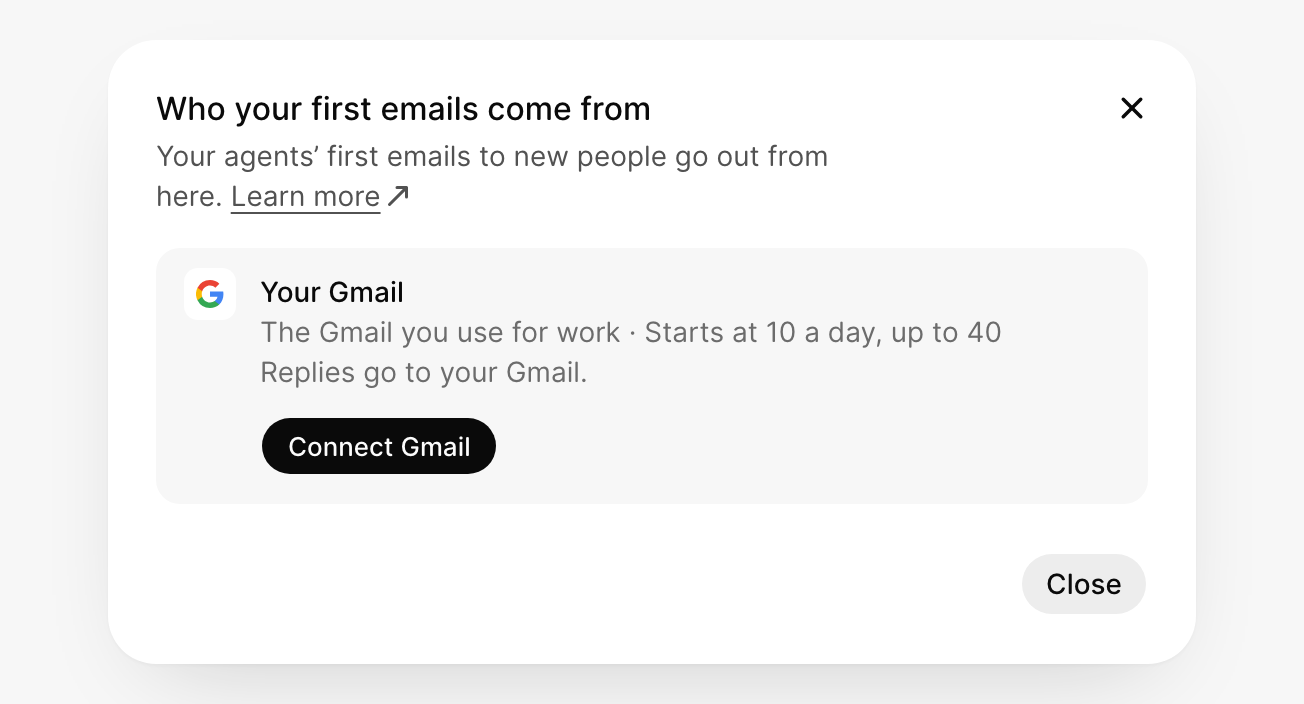
3 You connect Gmail or LinkedIn
Connect your  Gmail or
  LinkedIn so agents can write to people as you. Email · LinkedIn
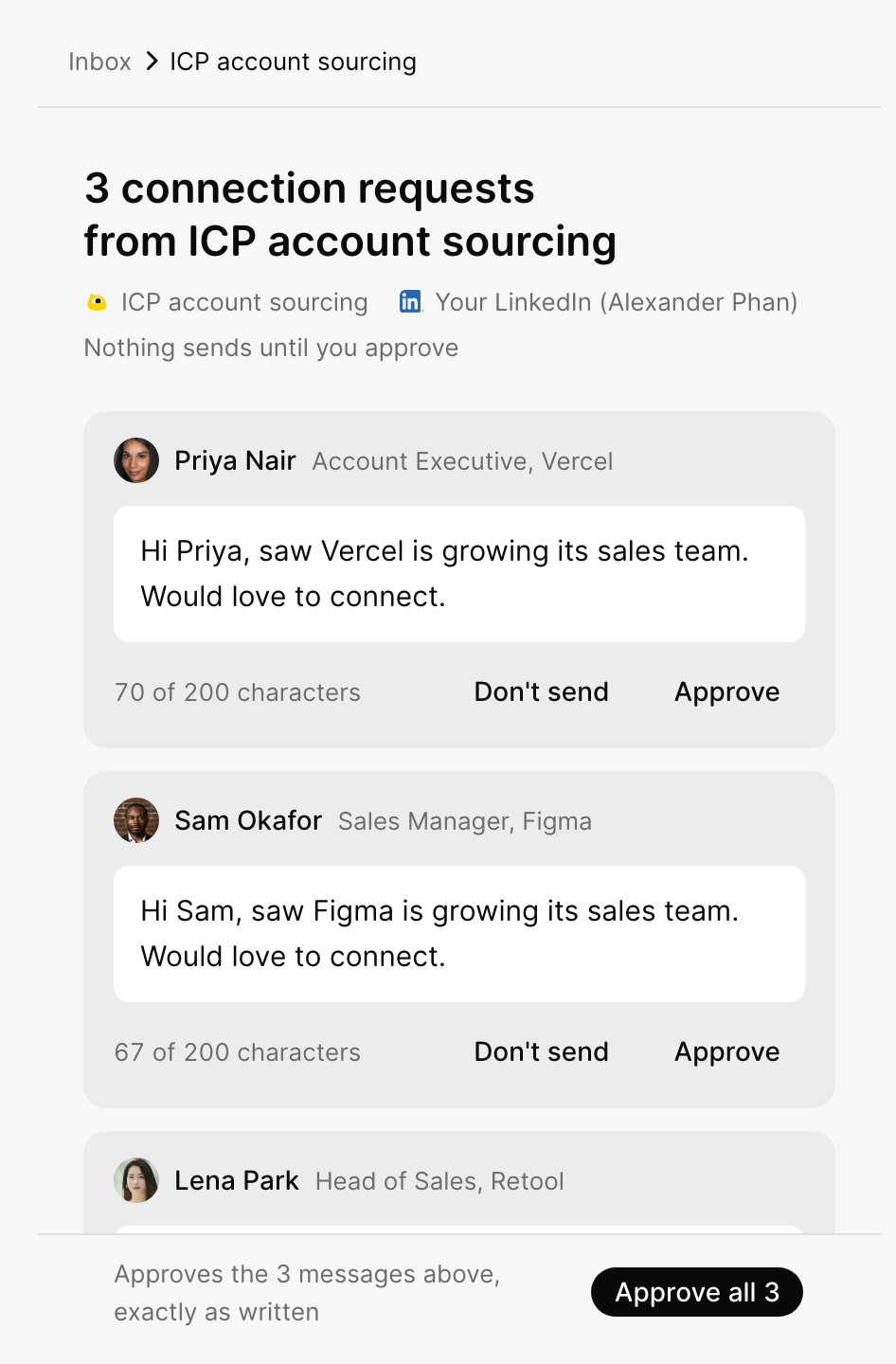
4 You approve, and replies come back
By default, every message an agent writes waits in your Inbox. Approve it, and replies land there too. Inbox
New to sales? Key terms explains words like ICP, pipeline and warm-up in plain English.
Guides

Company Brief
What GTM knows about your company.

Chats
Ask GTM anything, with sources.

Agents
Start one, choose when it runs and what it can do.

Inbox
Approve messages and answer replies.

Send from your Gmail.

Send connection requests and messages.

Connect a domain
Keep cold email away from your team's address.

Send from your domain
Addresses, limits and replies.

Directory
Your list of people and companies.

Library
Your Company Brief and every file GTM makes.

Activity
Everything your team and agents did.

Integrations
Connect  HubSpot,
  Slack,
  Instantly and more.

AI tools
Use GTM in  Claude,
  ChatGPT and
  Cursor.

Team and permissions
Invite teammates and share agents.
What did you think of this content?