
Connect your  LinkedIn so agents can reach people on LinkedIn as you. By default, you approve every message first.
On LinkedIn you reach someone new with a connection request: an invite to connect, with an optional short note. Once they accept, you can send them messages.
Where
Integrations → LinkedIn
You'll need
Your LinkedIn email and password
Result
Agents draft requests and messages as you
Connect your LinkedIn
1 Open Integrations → LinkedIn
Under Your LinkedIn, select Connect.
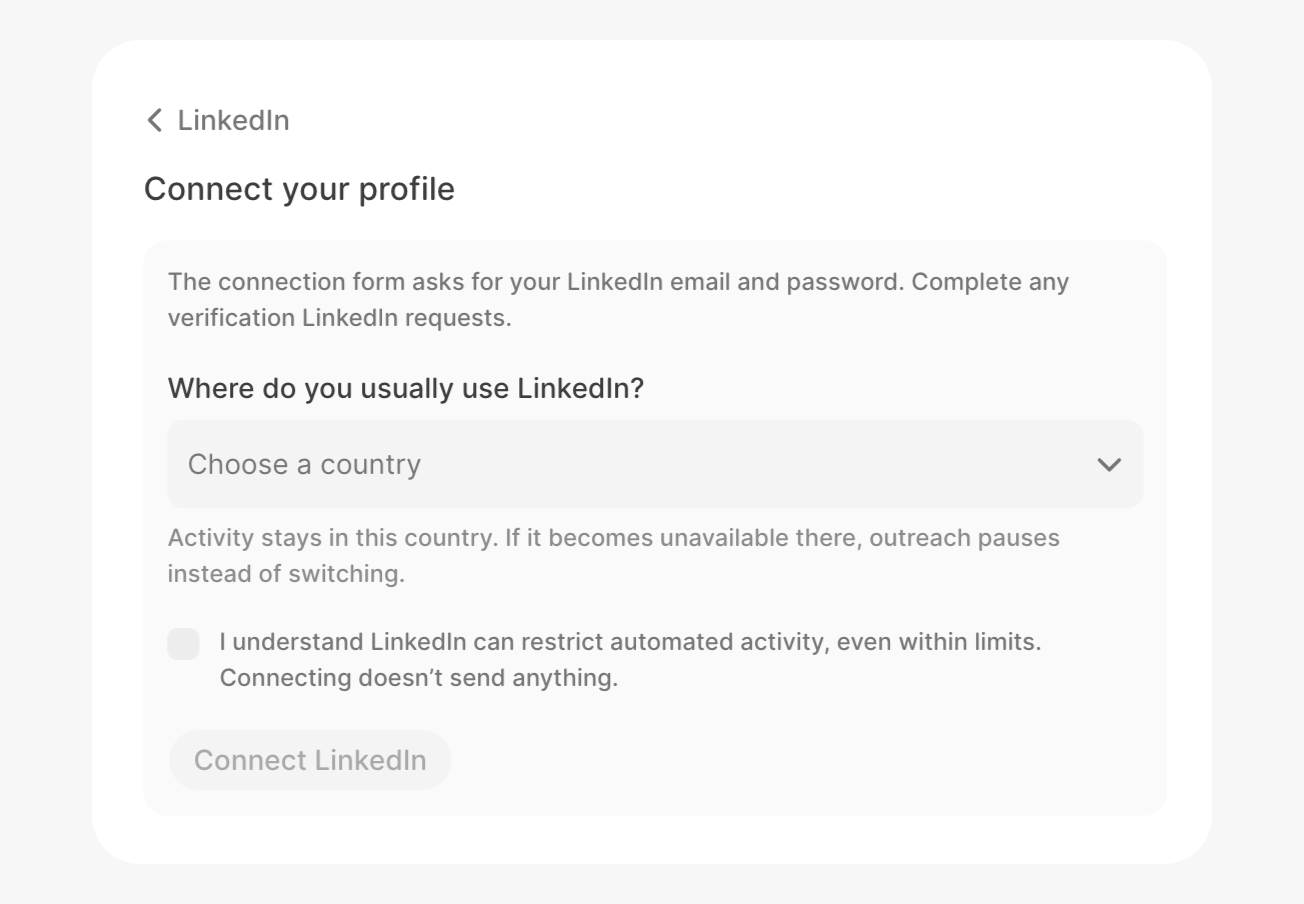
2 Pick your country and confirm
Choose where you usually use LinkedIn, check the box, then select Connect LinkedIn.
3 Sign in to LinkedIn
A form asks for your LinkedIn email and password. Finish any check LinkedIn asks for. You're connected when you see your name.
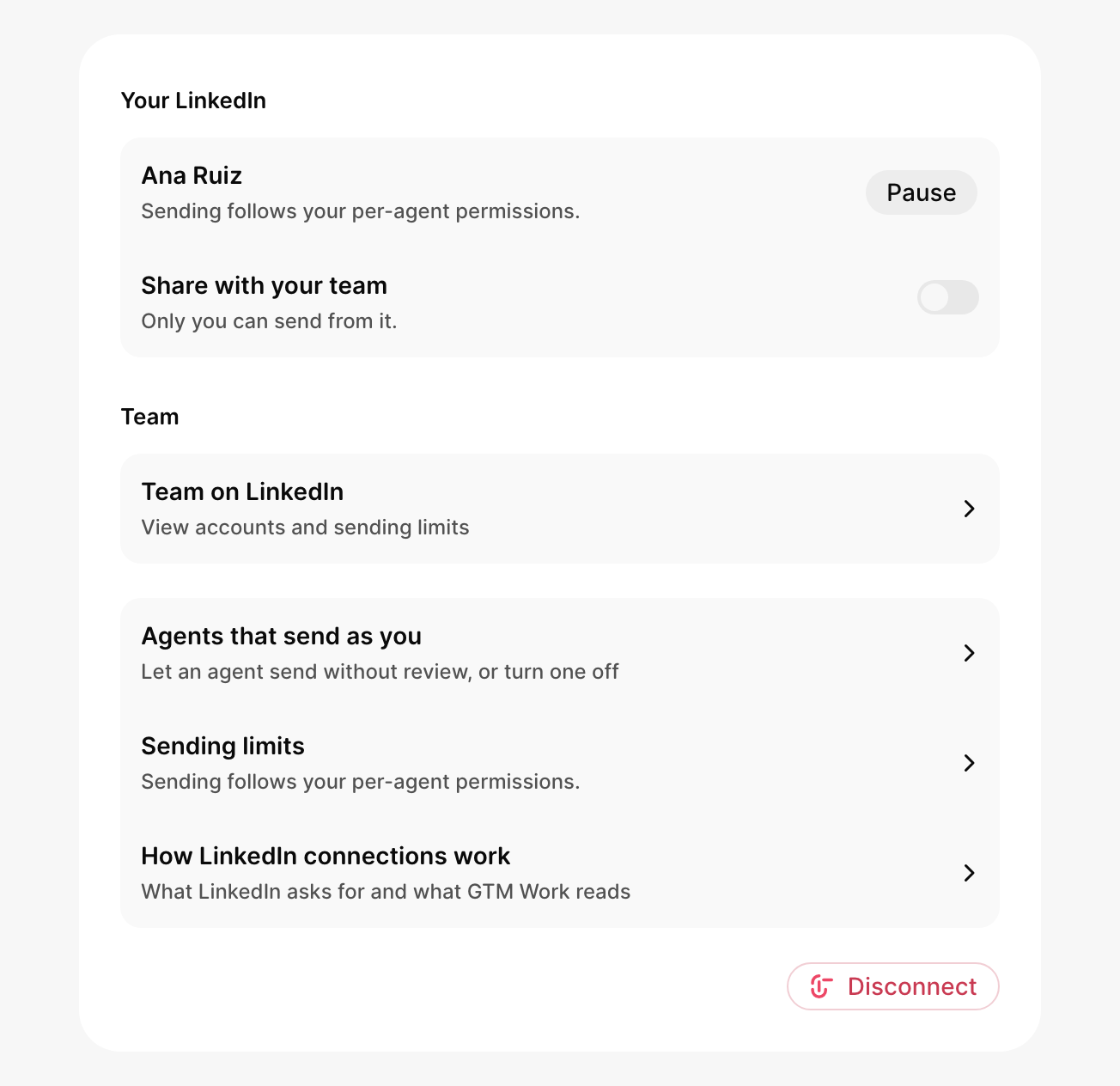
LinkedIn can restrict accounts that look automated, even within limits. GTM keeps your pace slow and steady. Connecting doesn't send anything.
How much it sends
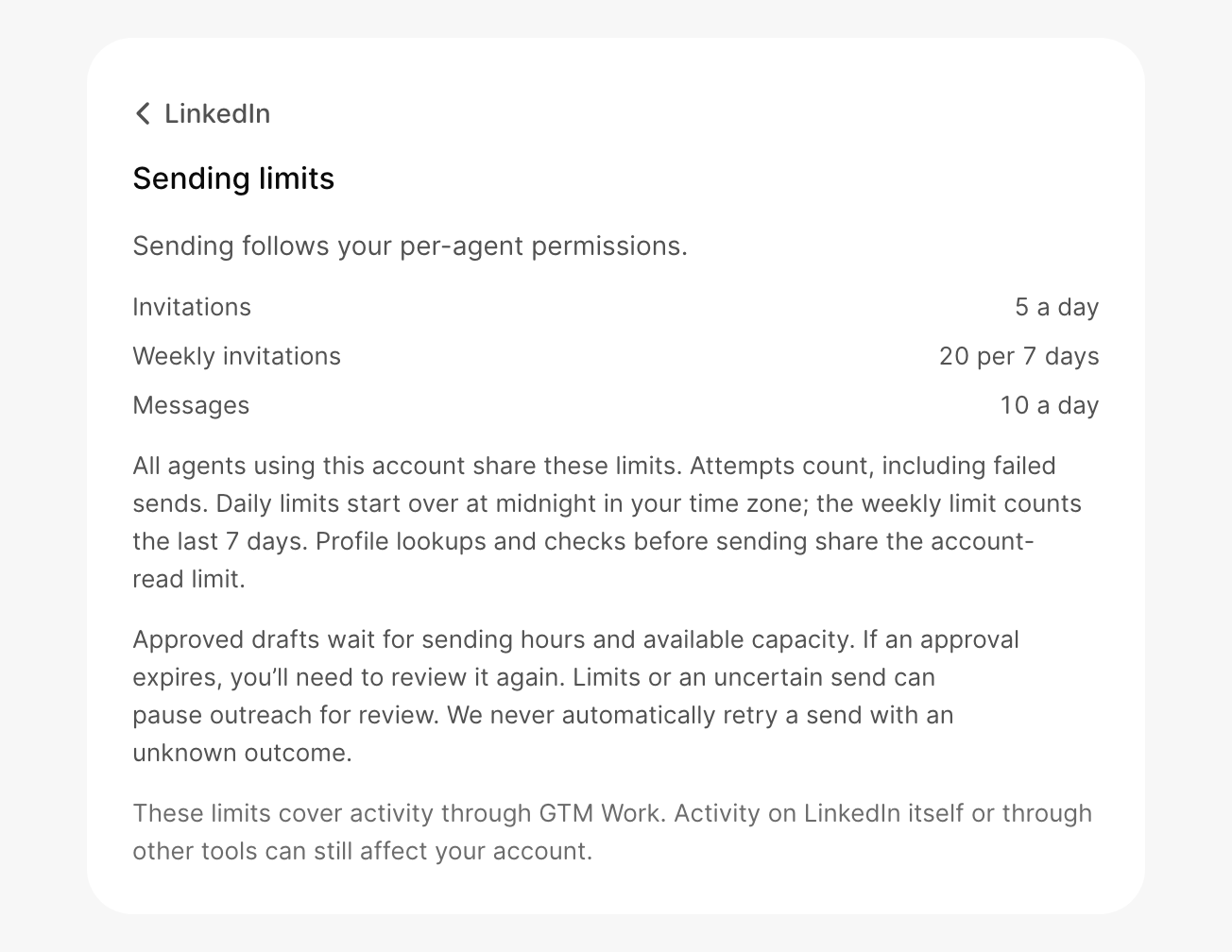
A new account starts small and steps up a level after each week with at least 5 sends LinkedIn accepts. If LinkedIn restricts the account, it steps back one.
| Level | Invitations a day | Invitations a week | Messages a day |
|---|---|---|---|
| 1 | 5 | 20 | 10 |
| 2 | 10 | 40 | 20 |
| 3 | 15 | 60 | 30 |
| 4 | 20 | 80 | 30 |
Requests and messages go out 9 AM to 5 PM on weekdays, in your time zone, a few minutes apart. Daily limits reset at midnight your time. Once connected, see yours under Sending limits.
Let an agent send on its own
In Integrations → LinkedIn, open Agents that send as you and pick a setting for each agent.
| Setting | What it does |
|---|---|
| Asks you first | Every request and message waits in your Inbox. This is the default for your own agents. A teammate's agent asks first, and you choose Allow or Not now. |
| Sends on its own | Sends within your limits without asking |
| Off | Never uses your LinkedIn |
Share with your team
Turn on Share with your team to let teammates send from your account. Only you can turn it on. If you turn it off, their scheduled messages are held and their drafts from your account are canceled.
Teammates can also ask you to share. You'll see their request with Share or Not now.
Your company Page
Admins can also connect your company's LinkedIn Page, so comments and reactions on its posts become signals your agents can act on. See LinkedIn company Page.
If something goes wrong
Sign-in expired
Select Reconnect. Your drafts are kept.
The LinkedIn connection wasn't finished
Select Connect and finish the sign-in form.
Allow popups for GTM
This shows when you connect from a chat. Allow pop-ups for GTM in your browser, then try again.
Pause or disconnect
To stop sending for a while, select Pause. To remove your account, select Disconnect.
What did you think of this content?