Website visitors

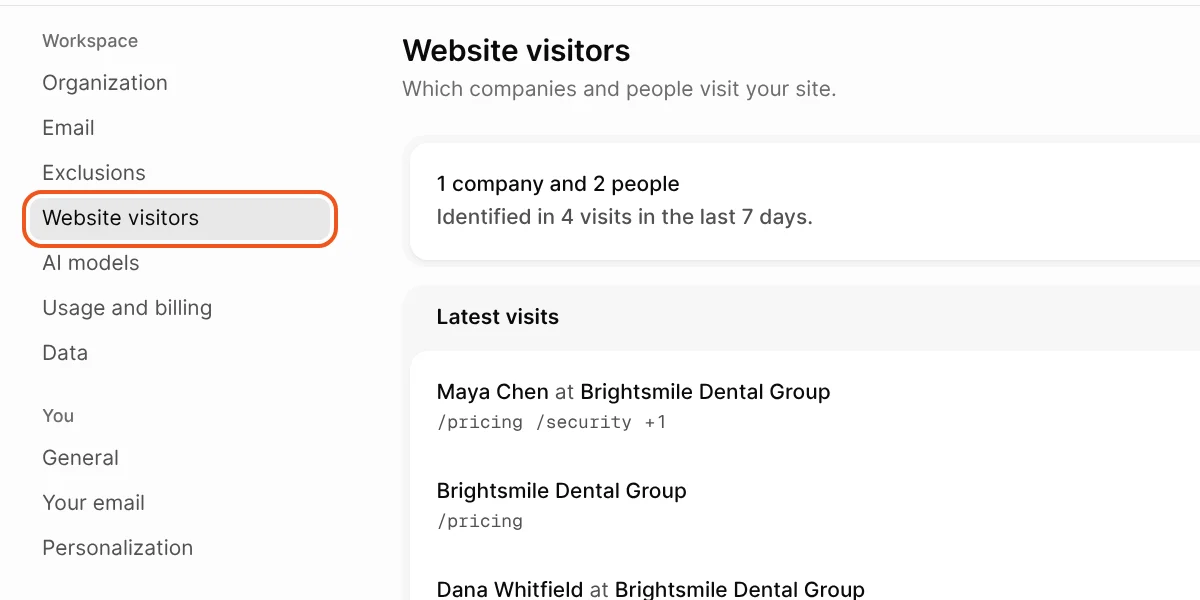
Website visitors shows which companies and people visit your website, and the pages they read. Each visit lands on that company's and person's Directory profile, so you see who is looking right now. It's part of GTM and on from the start. You add one script to your site.
Where
Settings → Website visitors
You'll need
An admin, and access to your site's code
Result
Who visited, which pages and when, on their profiles
Set it up
1 Open Settings → Website visitors
An admin opens the page once, and GTM sets up your site. It takes a few seconds.
Says Add your company website first? Select Open Organization, add your website, then come back.

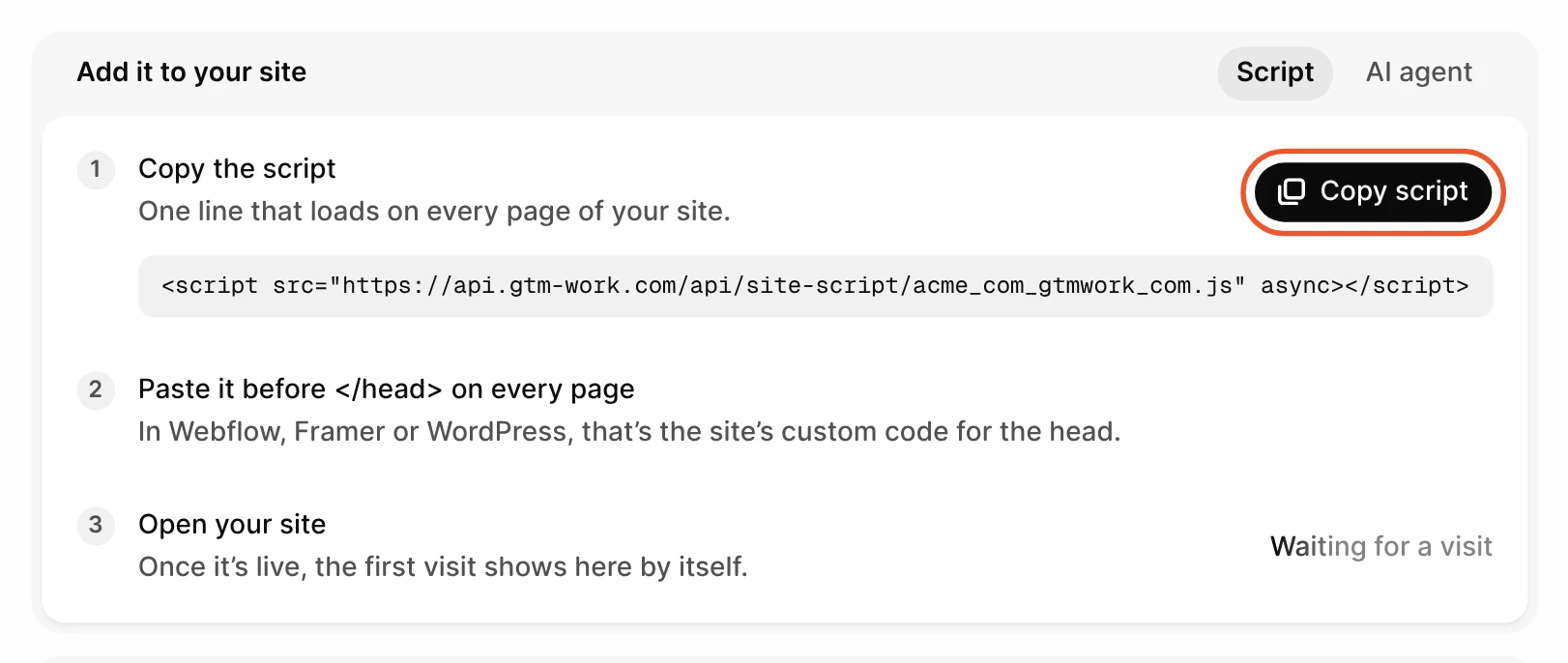
2 Copy the script and paste it before </head>
Select Copy script, then paste it before </head> on every page of your site. In Webflow, Framer or WordPress, that's the site's custom code for the head. Not sure where it goes? Send the script to whoever runs your site.
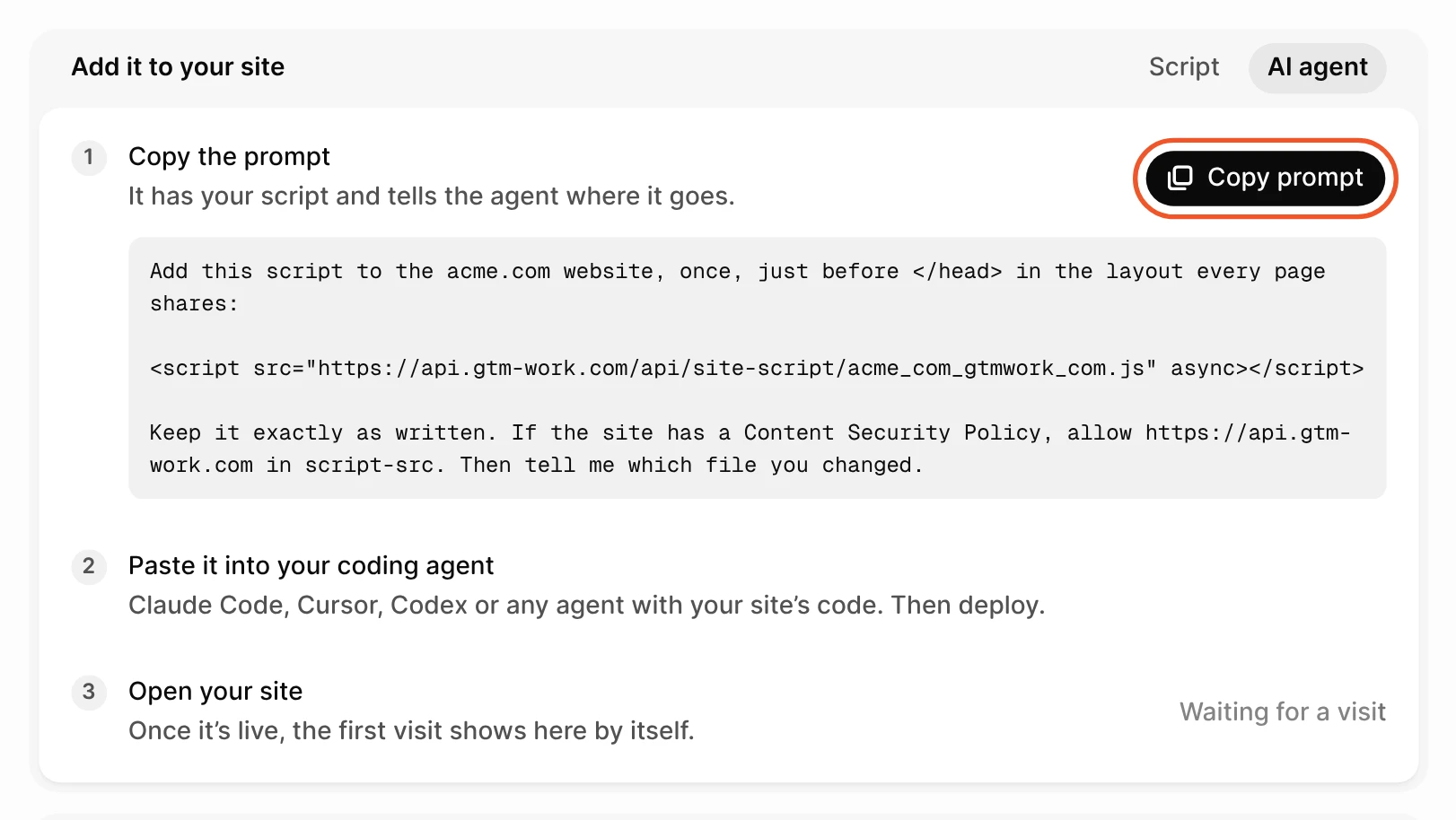
Use a coding agent? Select AI agent, then Copy prompt, and paste it into Claude Code, Cursor or Codex. The prompt has your script and tells the agent where it goes. Deploy the change when the agent is done.
3 Open your site and check it's found
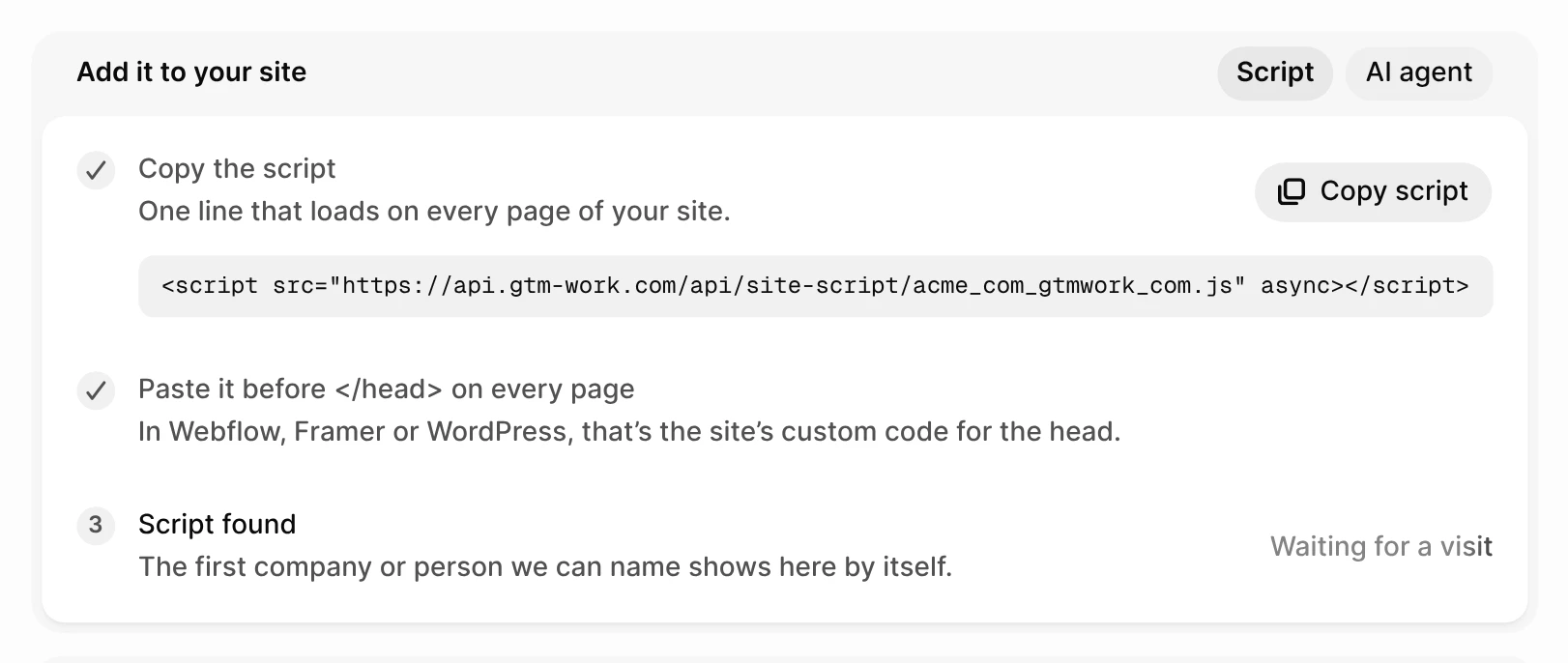
Publish your site and open it. Step 3 changes to Script found once GTM sees the script, and the page fills in by itself when the first company or person is identified.
4 See who visits
The page shows who was identified in the last 7 days, the latest visits and the pages read most. Select a company to open its profile.
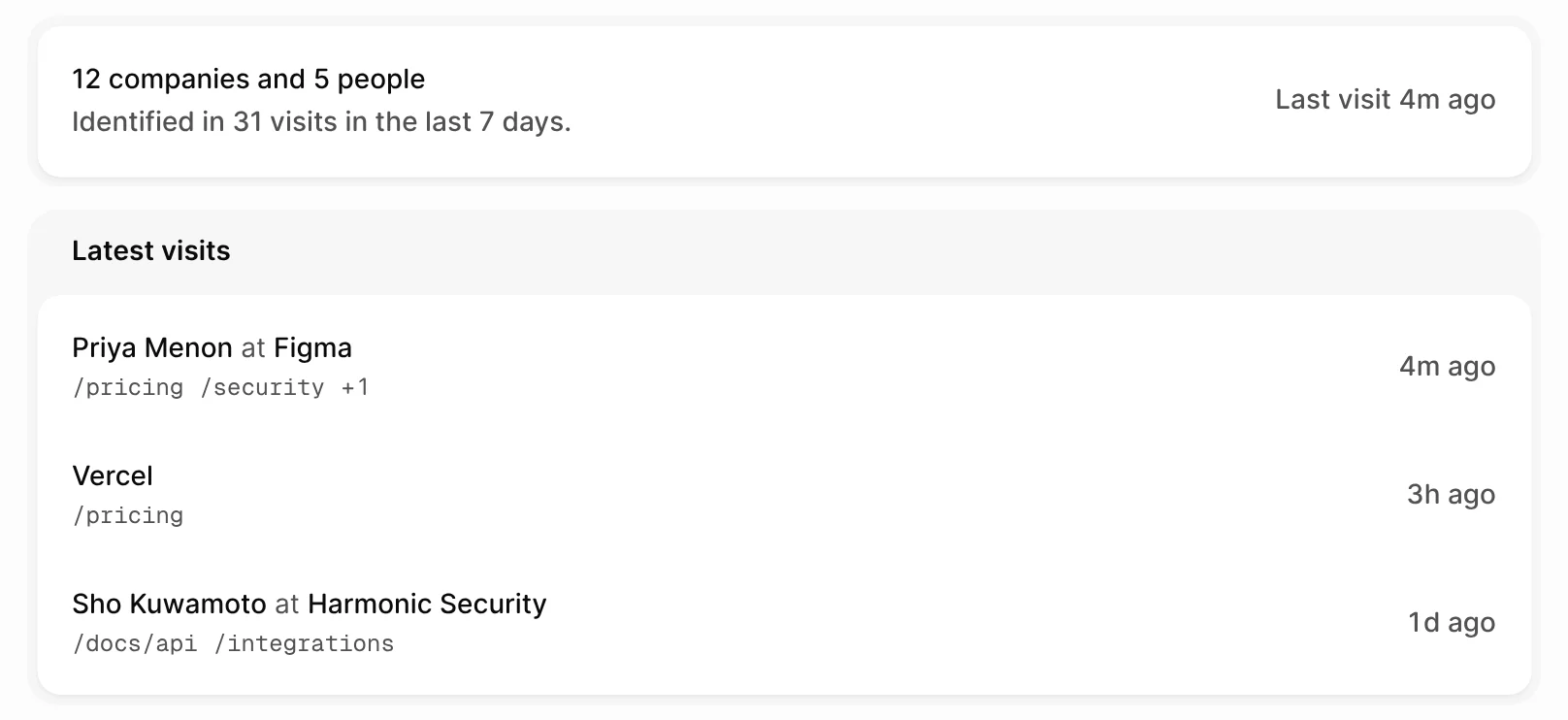
Where visits show
| Where | What you see |
|---|---|
| Settings → Website visitors | Who was identified this week, the latest visits and your most visited pages |
| A company's or person's profile | Website visits: who, when and which pages. Why now shows their latest visit. |
| Sessions | Ask "Who visited our site this week?" or "Who from Figma visited?" |
| Agents | An agent watching companies acts on each new visit |
On a profile, select a visit to see the time spent on each page and where the visitor came from, like a ChatGPT answer, a Google search or an email.
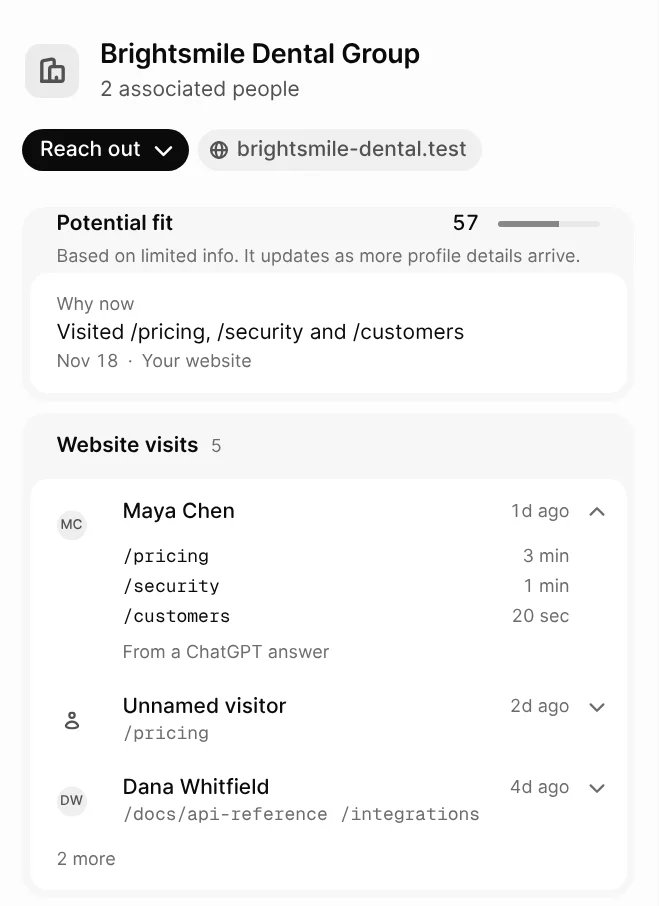
Unnamed visitor means GTM identified the company but not the person.
Agents use visits to choose who to reach and when. They never tell someone they saw them on your site.
New visitors go into your Directory
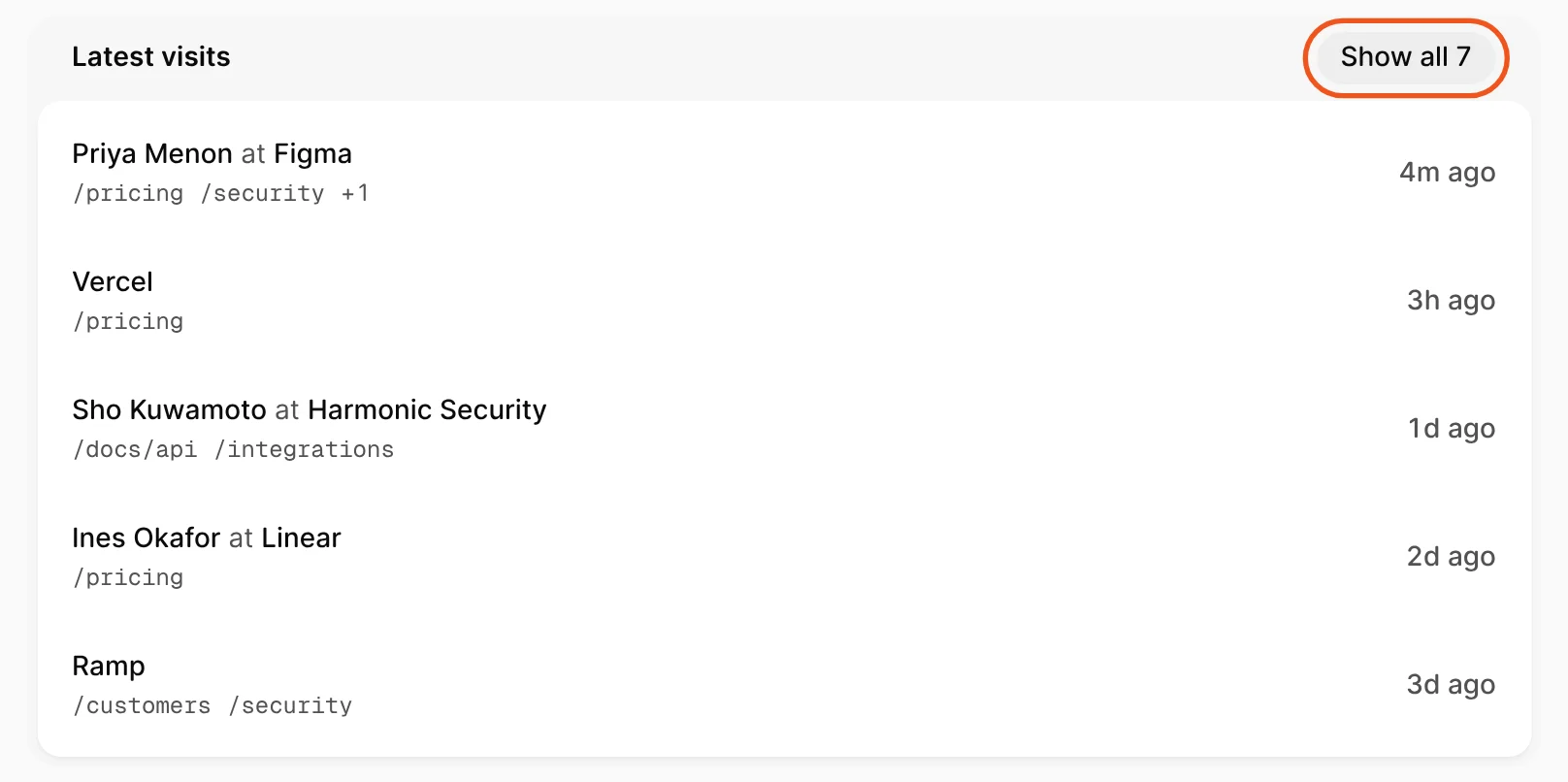
Every company that visits is added to your Directory, and the person too when they're named, so each one's visits, Why now and fit score are on their profile. What you Leave out isn't added. A company you put in Trash stays there, and its visits stop showing. Show all lists the rest of the week's visits.
Agents that act on visits
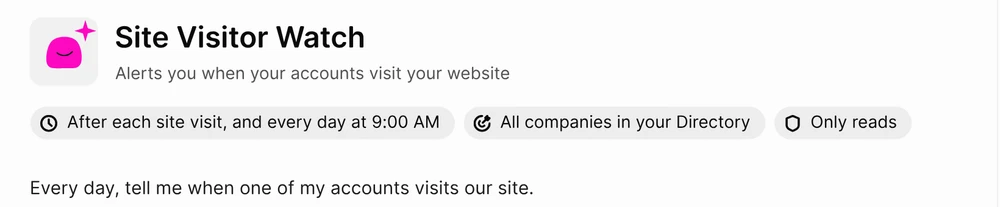
Under Act on visits on the Website visitors page, select Start agent. To watch one page, pick it first: the pills are your most visited pages, and More lists the rest. You can also ask in a session, like "Tell me when one of my accounts reads /pricing." Each agent acts within minutes of each visit, and checks once a day too in case anything was missed. Turning that schedule off under When it runs stops the agent. Draft a follow-up asks you to connect Gmail and add your business address before it starts.
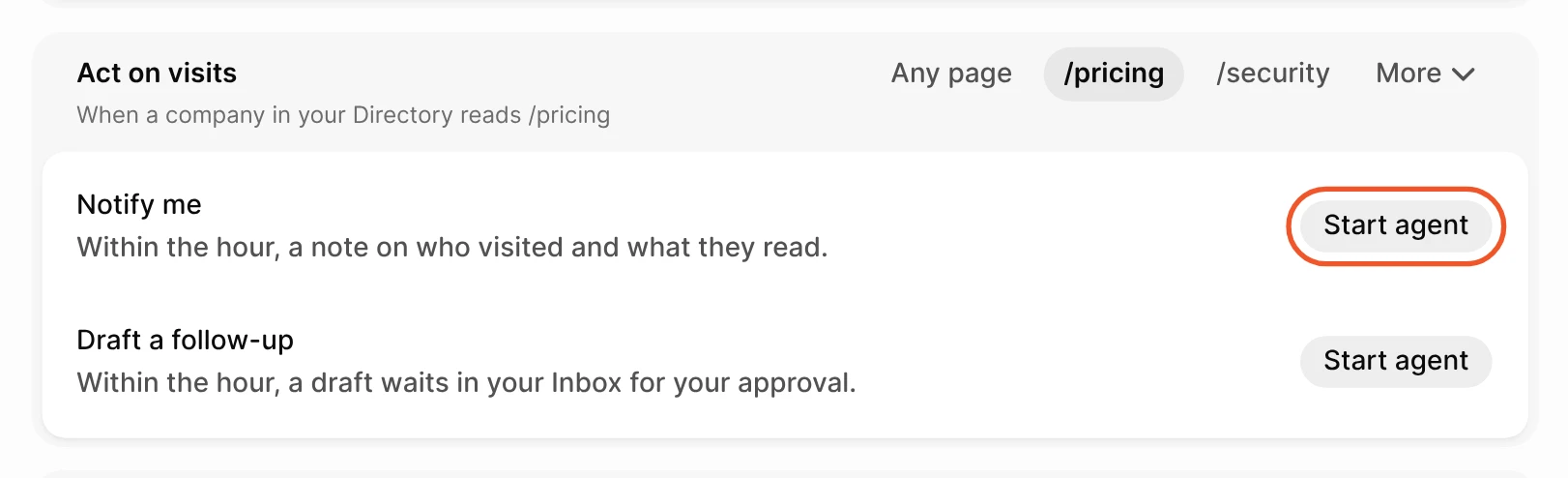
The agent watches the companies you choose, and acts within minutes of each new visit from one of them: a note to you, or a draft for your approval in the Inbox. Name pages to narrow it; /pricing also matches /pricing/teams.
Leave out visits you don't need
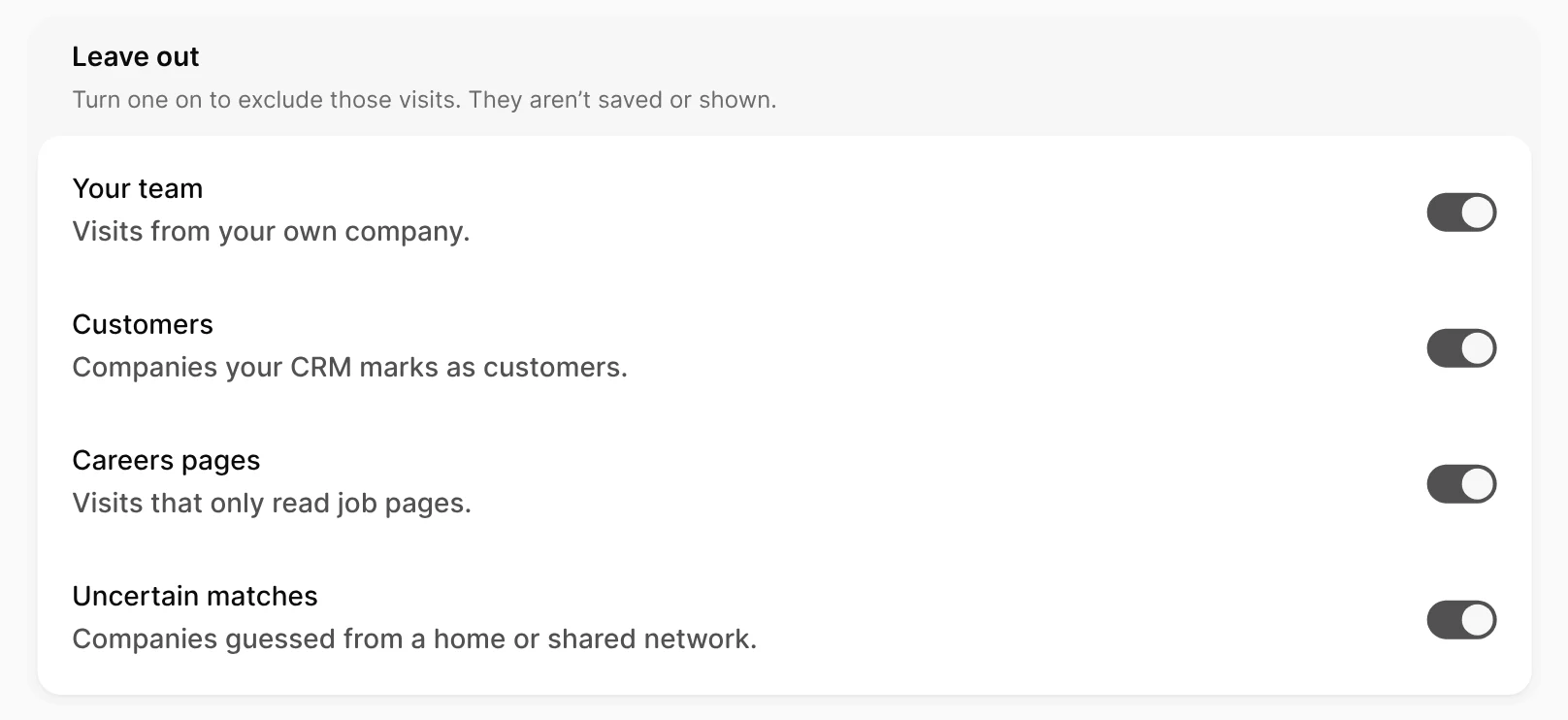
Turn a switch on under Leave out to exclude those visits: they aren't saved to your Directory or shown on the page. All four are on by default, and only admins can change them. To test with your own visits, turn Your team off, then on again when you're done.
| Switch | Leaves out |
|---|---|
| Your team | Visits from your own company |
| Customers | Companies your connected CRM marks as customers |
| Careers pages | Visits that only read /careers or /jobs pages. A visit that also reads other pages keeps those. |
| Uncertain matches | Companies guessed from a home or shared network with no person named. Phone networks, proxies, schools and public Wi-Fi are always left out. |
Turn it off
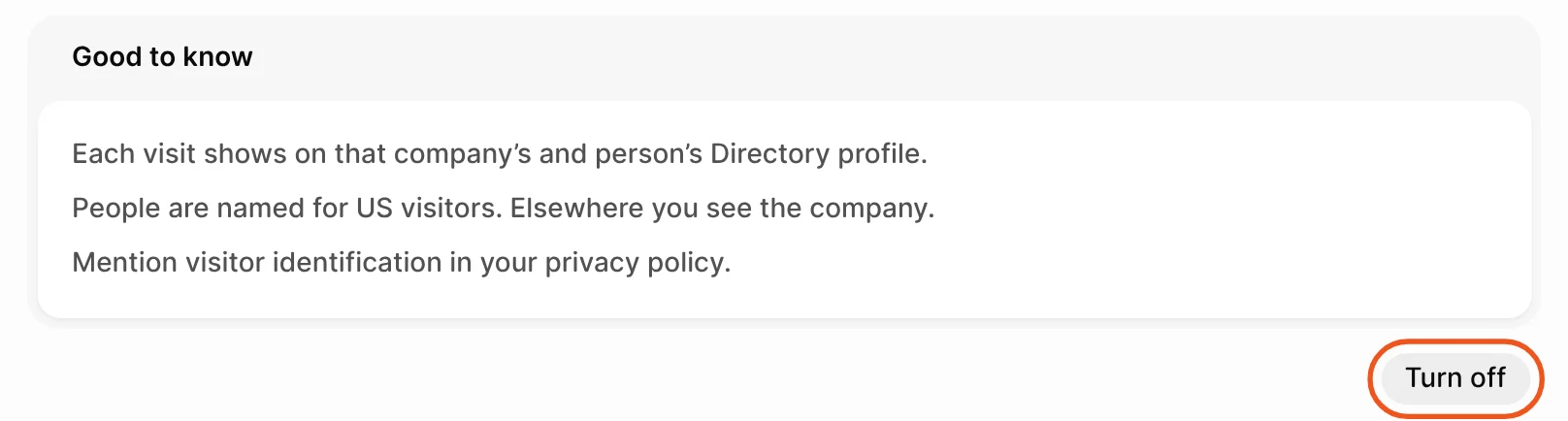
Select Turn off at the bottom of the page. GTM stops reading visits right away. Visits already saved stay on profiles. Select Turn on to start again; the script can stay on your site.

If your website changes
After you change your website in Settings → Organization, the page says so. An admin selects Move: the old site stops being read and the new one is set up. Add the new script to the new site; visits already saved stay on their profiles.

Good to know
- People are named for US visitors. Elsewhere you see the company.
- Not everyone is identified. Visitors GTM can't name a company for don't show.
- Visits are kept for 90 days.
- The script loads from GTM Work. Your site's code doesn't name anyone else.
- Mention visitor identification in your privacy policy.
- Members see it, admins change it. Everyone in the workspace sees visits. Only admins set it up, turn it off or change what's left out.
- Don't see Website visitors in Settings? It isn't available on your workspace yet.
What did you think of this content?