Clay
Connect Clay so chat and agents can enrich companies and people, and run the functions your team built in Clay.
Where
Integrations → Clay
You'll need
A Clay account
Result
Chat and agents use Clay
What agents can do
- Enrich a company or a person with Clay
- Run the functions your team built in Clay
- Read what a run returned
Every tool asks first until you allow it.
Connect
1 Open Integrations → Clay
It's under Data and automation, beside Zapier.

2 Select Connect and sign in to Clay
Clay's own sign-in opens in a new window. Pick the Clay workspace to use and allow GTM Work. There is no API key to copy.
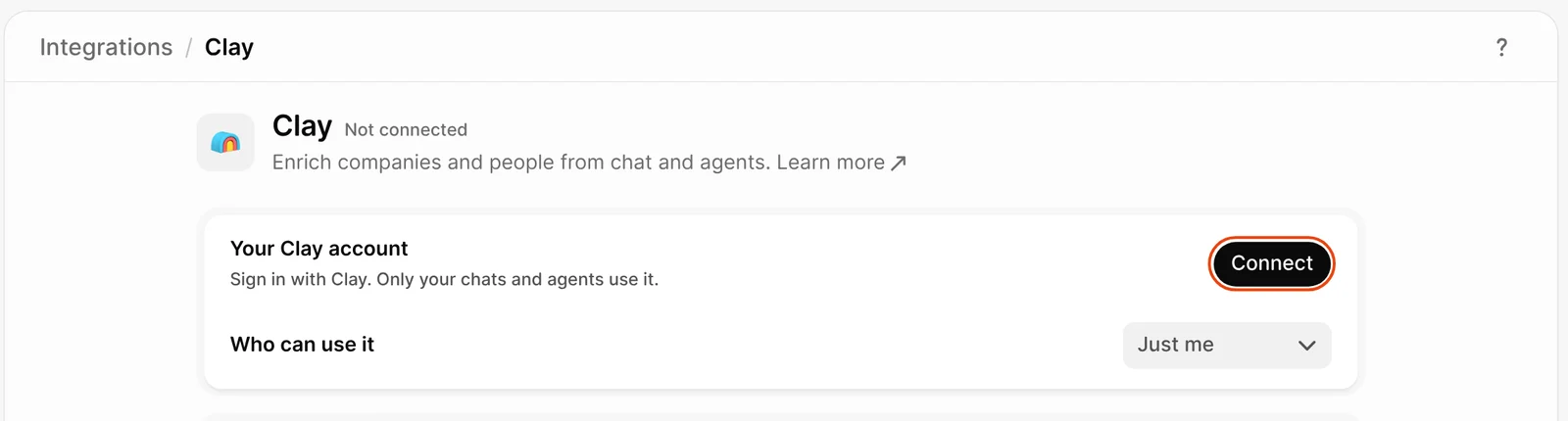
If you manage your workspace's tools, Who can use it lets you connect Clay for Just me or for Everyone. For everyone, chats and agents use the Clay account you signed in with.
Use it in an agent
Type @ in an agent's instructions and pick Clay. Press its pill to point the agent at one tool, such as Run a function on a company or a person: the agent then uses that one and no other Clay tool. Leave it on Any tool to let the agent choose.

If Clay isn't connected when the agent starts, GTM asks you to connect it first.
Good to know
- Runs use your Clay credits. Clay's page shows how often it ran in the last 7 days.
- A function your team built shows up once MCP access is on, under Details on the function's page in Clay.
- Under Agent permissions on Clay's page, Tool access pauses or resumes all of Clay's tools, and each kind of action (Read, Other changes, and so on) is Allowed, Per action or Off.
- An agent can use a tool only once its kind is Allowed. Each tool asks first until then, and nobody is there to approve it during a run, so the run stops at it. Chat still asks you each time.
- A tool that can change things in Clay also needs the agent's Permissions set to On its own. An agent that points at one asks for this before it starts.
- A saved agent runs Clay at most 100 times a day.
- GTM renews your sign-in on its own. If Clay stops accepting it, GTM tells you and you sign in again.
Send rows from Clay to an agent
You don't need to connect Clay for this. Add an HTTP API column in a Clay table that posts to the agent's own webhook. Turn on When a webhook arrives in the agent's Settings for its link.
Disconnect
In Integrations → Clay, select Disconnect.
What did you think of this content?